

OpenClaw: How We're Using an AI Assistant to 10x Our Agency Productivity
Our hands-on experience with OpenClaw, the open-source AI gateway that turns WhatsApp into a powerful business command center. Real use cases from Perel Web Studio.
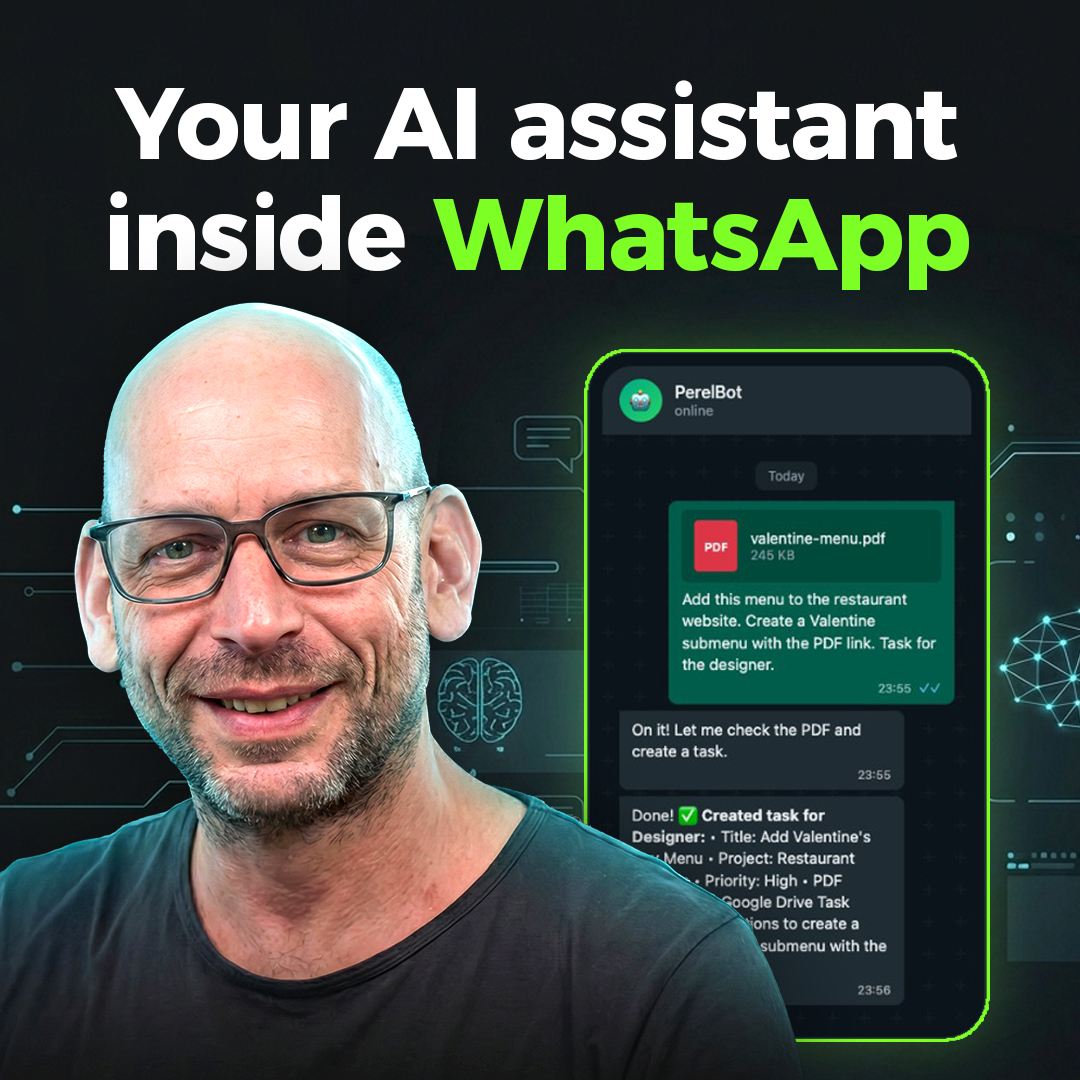

With 22 years of IT experience, Roy leads Perel Web Studio with unwavering passion for creating digital solutions that drive real results. The only difference between a good and bad web agency? Passion.
I saw a YouTube video about OpenClaw and immediately ordered a Mac Mini — just for that. No overthinking, no “let me research this more.” The concept was so compelling that I had to try it.
Two days later, it has completely transformed how our agency operates. I’m writing this to share our real experience — not a theoretical overview, but actual use cases from the last 48 hours.
What is OpenClaw?
If you’ve been following the AI space, you might have heard of this project under different names. It started as Clawdbot (with a W, like “claw”), a clever play on Claude. Then Anthropic’s lawyers sent a trademark notice, and it became Moltbot. The rebrand was chaotic — crypto scammers grabbed the old accounts within 10 seconds of the name change. Now it’s OpenClaw, and this one’s sticking.
The naming drama aside, OpenClaw is an open-source gateway that connects AI agents (specifically Claude, in our case) to messaging platforms like WhatsApp, Telegram, and Discord. Think of it as giving your AI assistant a phone — it can read messages, respond, execute tasks, and even automate workflows.
But here’s what makes it different: it’s not just a chatbot. It’s a fully capable agent with access to your computer, files, browser, and APIs.
The First 48 Hours: Real Use Cases
1. Instant Task Management via WhatsApp
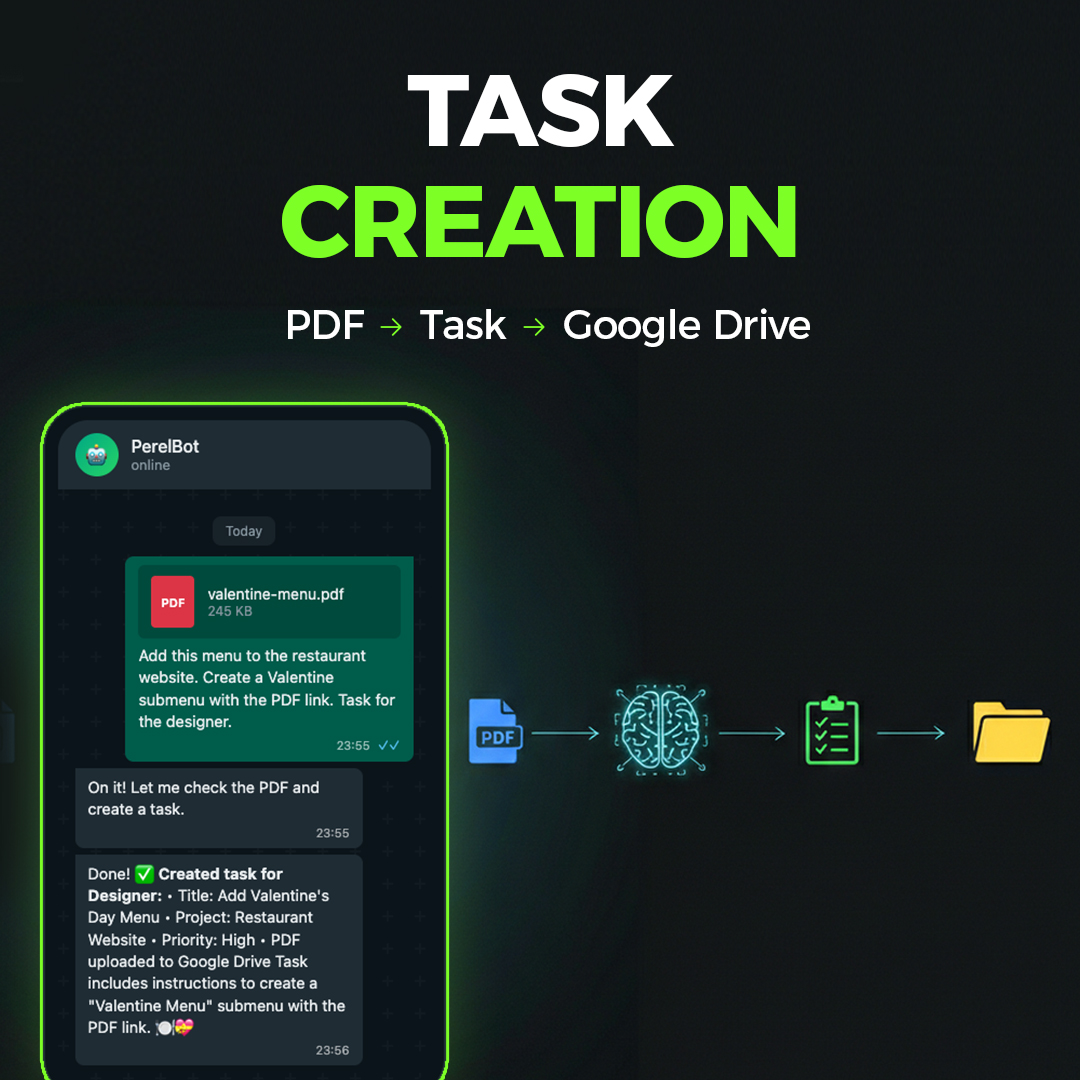
Before: Client sends request → I note it down → Add to project management tool → Assign to team member → Notify them
Now: Client sends request → AI creates task → Uploads files to Google Drive → Assigns to team member → Notifies them
This literally happened last night at midnight. A client sent a Valentine’s Day menu PDF that needed to go on their restaurant website. Within 30 seconds:
- The PDF was uploaded to our shared Google Drive
- A task was created on our task board with clear instructions
- The task was assigned to our designer with a link to the PDF
I didn’t touch my computer. I was in bed.
2. Team Coordination Across Time Zones
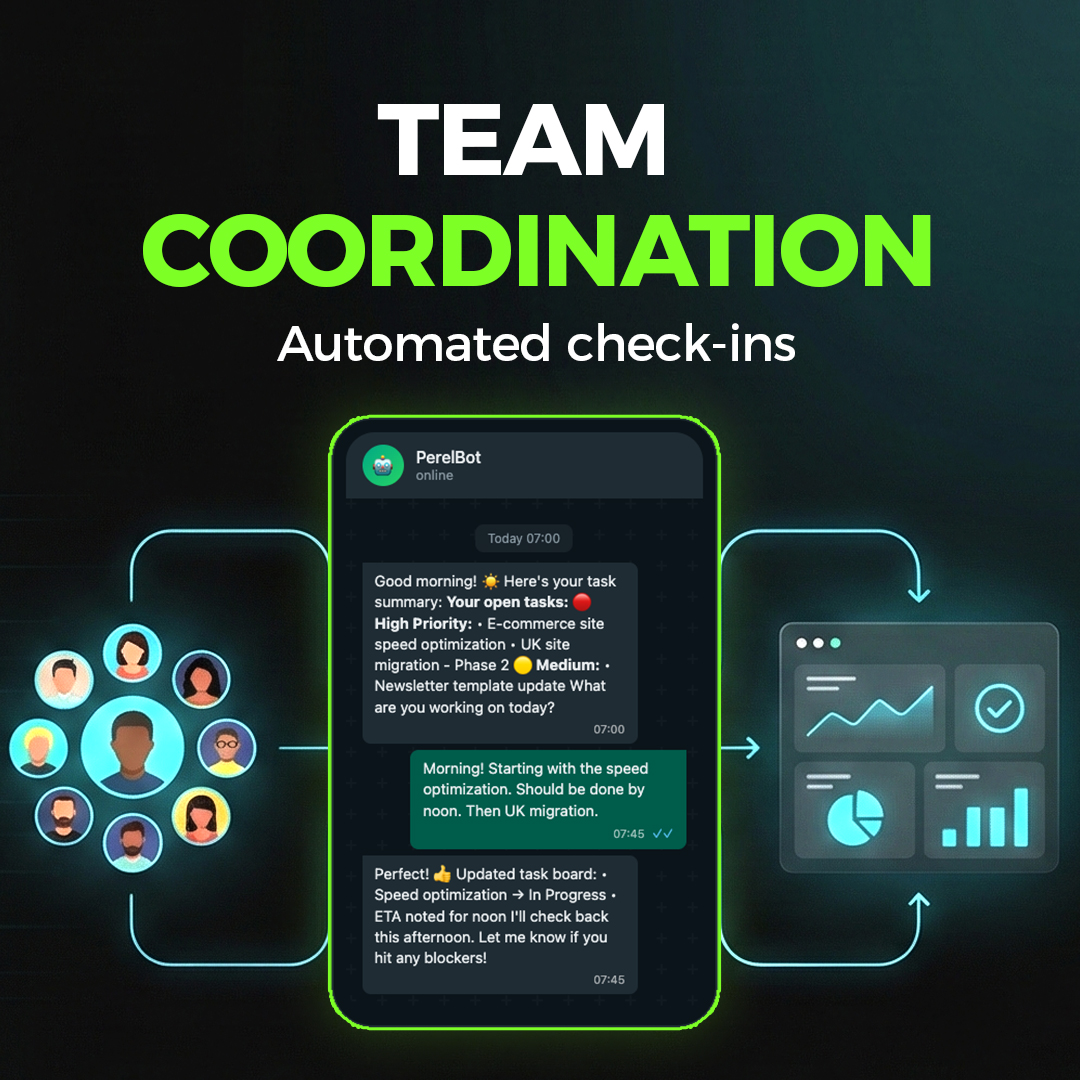
Our development team is in Sri Lanka (5.5 hours ahead of Brussels). Coordinating used to require careful scheduling. Now:
- Morning check-ins happen automatically at 7 AM Brussels time
- The AI sends each team member their open tasks
- They reply with updates throughout their day
- The task board updates in real-time
This morning, I woke up to a complete summary of what everyone worked on yesterday and their plans for today — compiled automatically from their WhatsApp replies.
3. YouTube Video Transcription
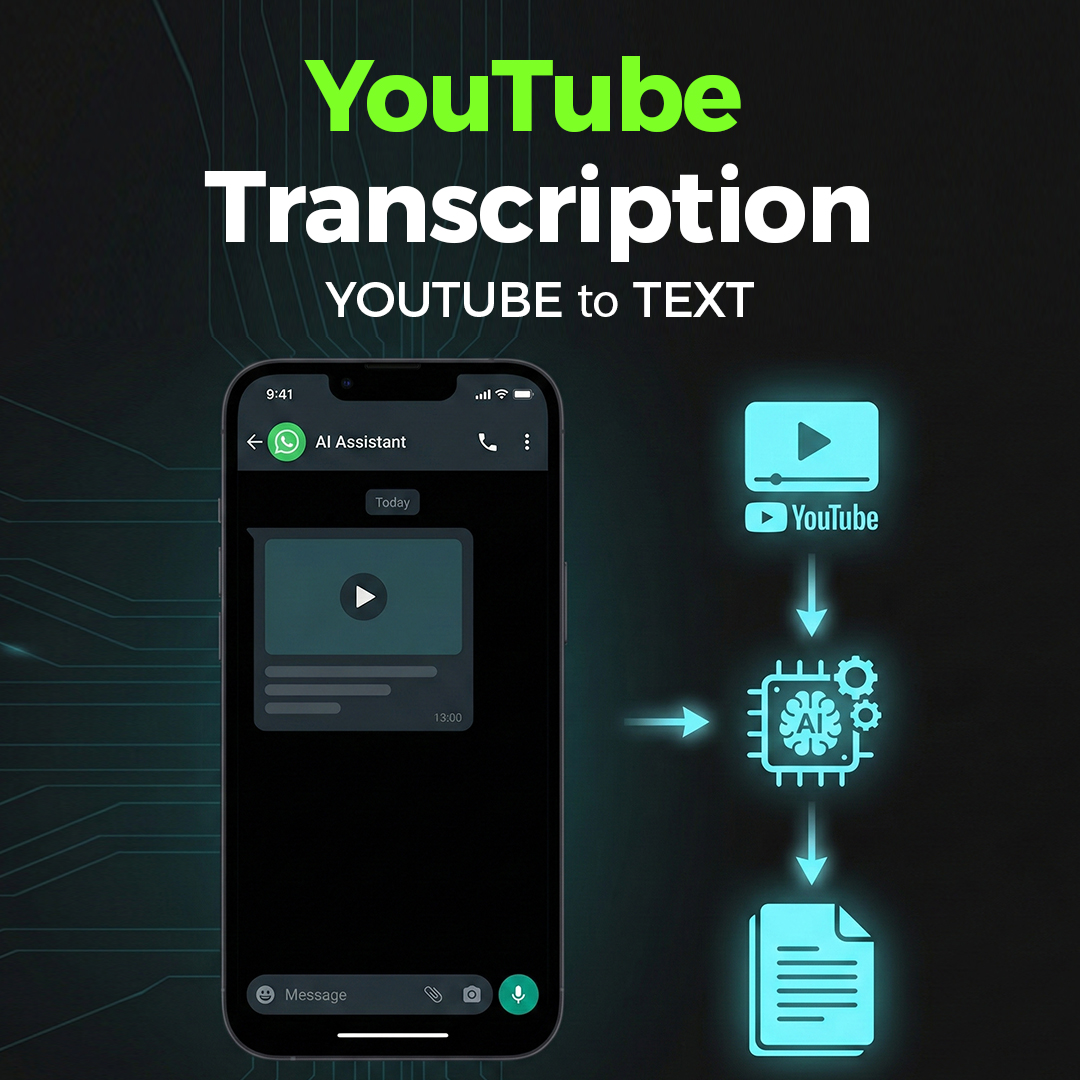
We needed a transcript of a 22-minute video. The old way: download video, find transcription service, wait, pay, download.
The new way: I sent the YouTube link via WhatsApp. The AI:
- Downloaded the video
- Extracted the audio
- Used Whisper API for transcription
- Saved a properly formatted Markdown file
Total time: about 3 minutes. Zero manual work.
4. Meeting Notes Extraction
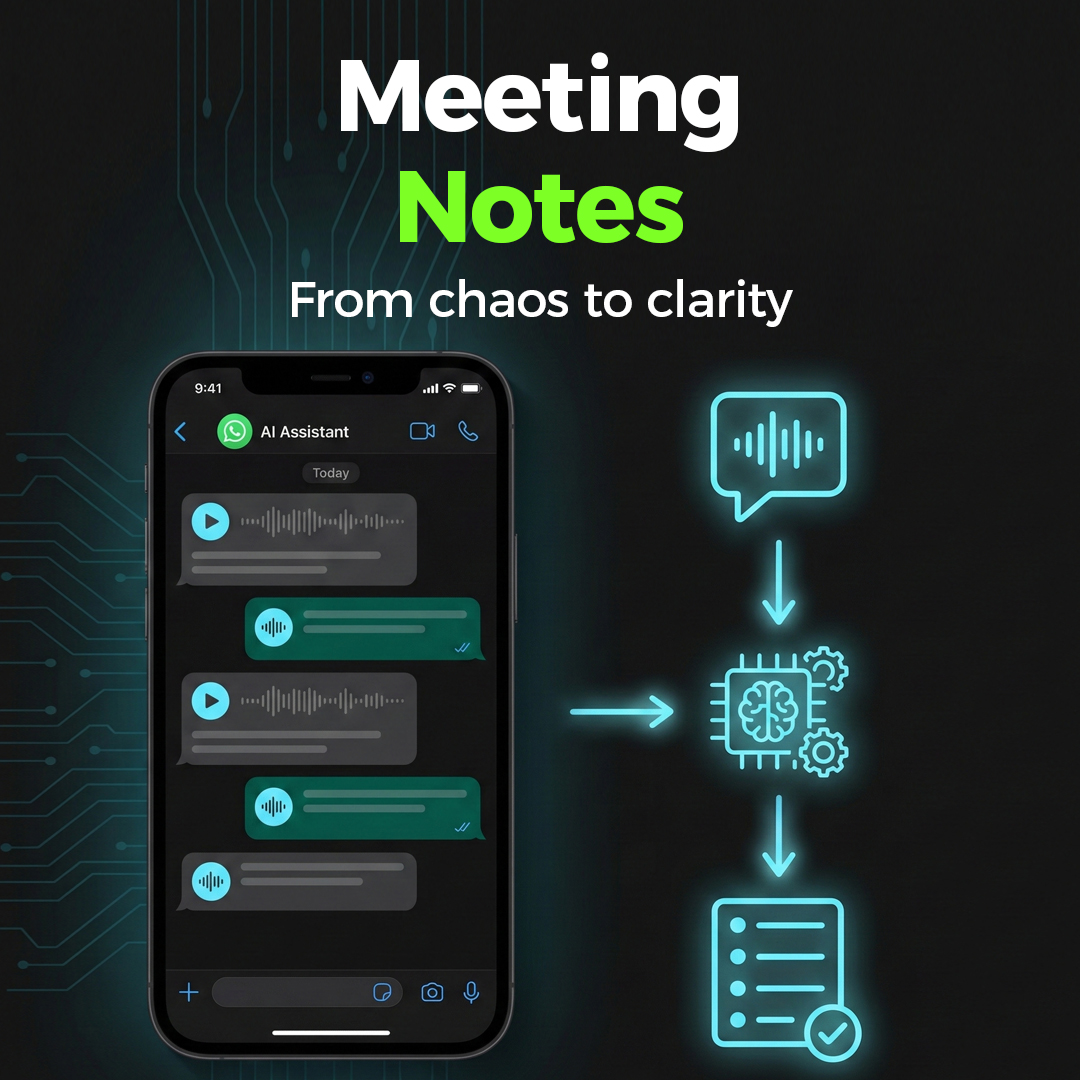
We use Fathom for recording client calls. We had months of meetings without proper transcripts extracted. I set up an automated task:
“Every 30 minutes, extract 5 meetings from Fathom backlog”
The AI opens a browser, navigates to Fathom, extracts transcripts and summaries, and saves them to our project folder. As I write this, it’s already processed over 30 meetings — running completely in the background.
5. LinkedIn Engagement on Autopilot
Finding and engaging with relevant LinkedIn posts used to take 30+ minutes daily. Now:
- The AI browses my LinkedIn feed
- Identifies relevant posts from my network
- Drafts authentic, on-topic comments
- Adds them to a Google Sheet for my approval
I review 3-4 suggested comments, approve the good ones, and the AI posts them. My LinkedIn presence stays active without the time drain.
6. Image Editing via Chat
A friend sent a photo and jokingly asked me to edit something. I forwarded it to the AI with instructions. It used Gemini’s image generation API, edited the image, and sent it back — all within a WhatsApp conversation.
This isn’t just fun. Think about quick mockups, image resizing, or simple edits for clients. No Photoshop needed.
7. Voice Messages While Walking
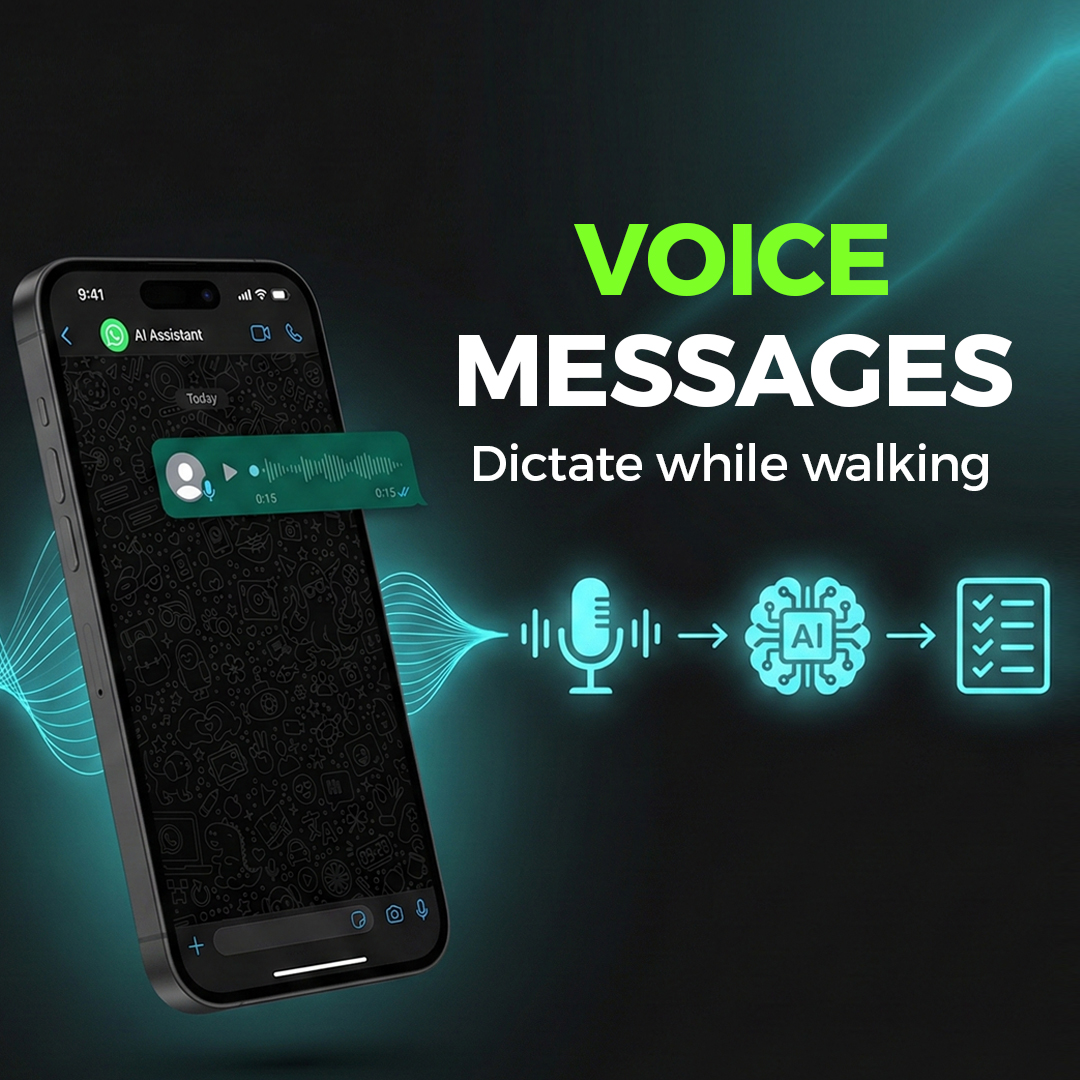
Here’s what really makes the needle move: most of my instructions are voice messages.
I’m walking to get coffee. I dictate a task into WhatsApp. By the time I’m back at my desk, it’s done.
I’m driving. Voice message about a client request. Task created, files organized, team notified.
This isn’t about sitting at a computer anymore. It’s about running your business from your pocket — literally hands-free.
The Productivity Multiplier Effect
Here’s what I’ve noticed after 48 hours:
| Task | Before | After |
|---|---|---|
| Client request to task | 5-10 min | 30 seconds |
| Team status updates | Daily standup call | Automatic |
| LinkedIn engagement | 30+ min/day | 5 min review |
| File organization | Manual | Automatic |
| Meeting transcripts | Hours of backlog | Background process |
But the real gain isn’t time saved on individual tasks. It’s the mental overhead removed.
When your brain knows there’s an AI handling the routine stuff, you can focus on actual creative and strategic work. The cognitive load reduction is massive.
What Makes This Different from ChatGPT?
You might ask: “Why not just use ChatGPT?”
The difference is agency. ChatGPT is a chat interface. OpenClaw is an agent that:
- Has persistent memory across sessions
- Can access your file system
- Controls a real browser
- Connects to your APIs (Notion, Google Drive, task boards)
- Runs scheduled tasks (cron jobs)
- Maintains context about your business
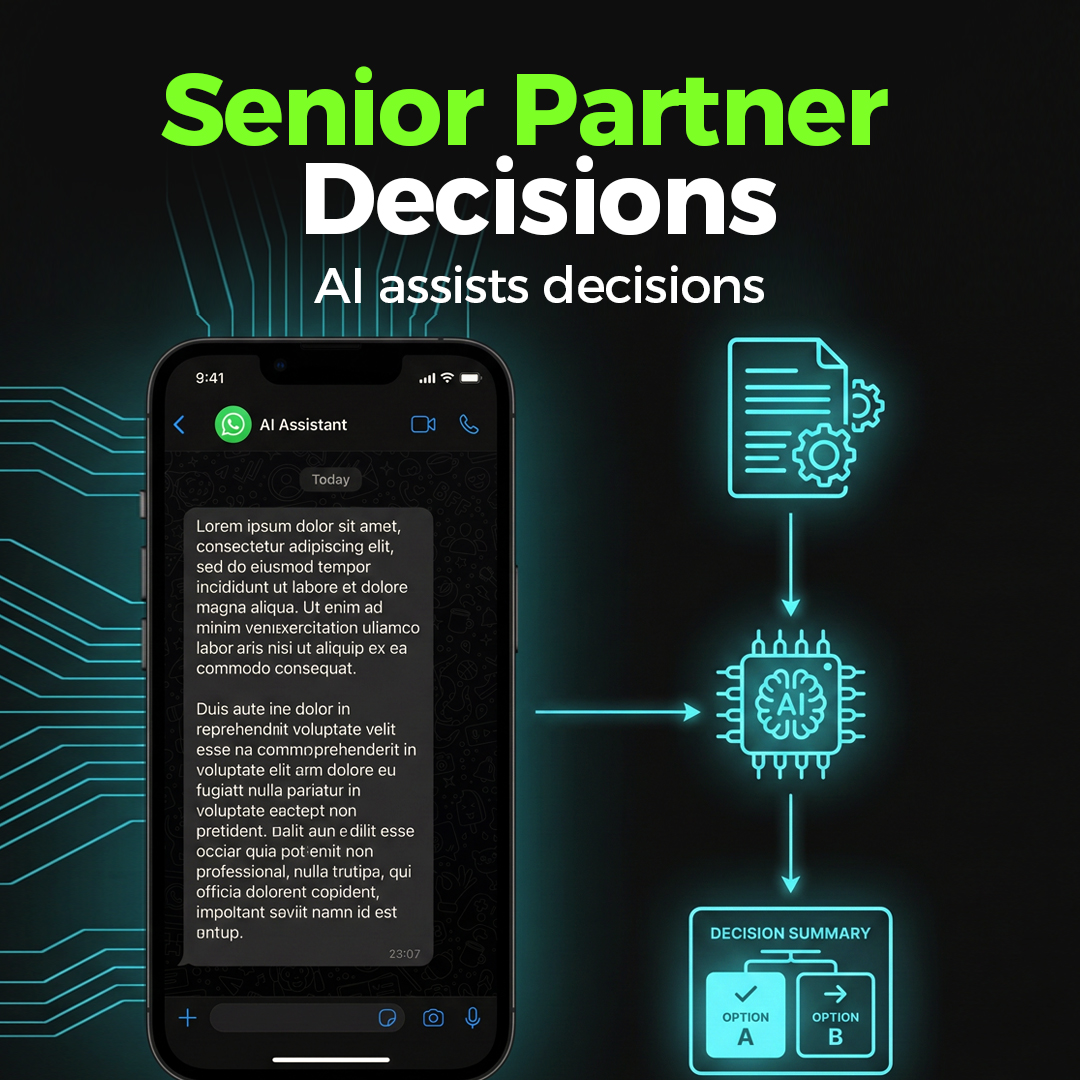
And here’s what surprised me most: it doesn’t feel like having a junior assistant. It feels like having a very experienced senior partner who never sleeps, never forgets, and understands context immediately. It doesn’t just follow instructions — it anticipates needs, makes smart decisions, and handles complex situations autonomously.
Are We Offering This to Clients?
We’re testing and learning right now. The honest answer is: probably yes, eventually.
For agencies and businesses with:
- Distributed teams
- High communication volume
- Repetitive task management needs
- Multi-channel presence requirements
This could be transformative.
But we want to deeply understand the tool first. Run it ourselves. Hit the edge cases. Learn the limitations. Only then will we feel confident deploying it for clients.
If you’re interested in being an early adopter, let us know.
Getting Started with OpenClaw
OpenClaw is open-source and free. Here’s what you need:
- A computer that stays on (Mac, Linux, or Windows with WSL)
- Node.js 22+
- An Anthropic API key (for Claude)
- A WhatsApp number to link
The documentation is comprehensive, though the setup requires some technical knowledge. If you’re comfortable with command-line tools, you can have it running in about 30 minutes.
8. This Very Article
Here’s the ultimate proof of concept: this blog post you’re reading right now was written via WhatsApp voice messages from my couch.
I dictated the key points, the use cases, even the corrections — all by speaking into my phone in the living room. The AI structured it, wrote the prose, handled the translations for our French site, and deployed it to both websites.
No laptop. No typing. Just voice commands while relaxing at home.
A Word on Security
OpenClaw is powerful precisely because it can take real actions—send messages, access files, control your browser. But that power comes with responsibility. This is a new, indie project, not battle-tested enterprise software backed by a security team at Google or Microsoft.
If you’re not careful, you could expose yourself to prompt injection attacks—where malicious content tricks your AI into doing something you didn’t intend. Imagine forwarding an email that contains hidden instructions, or browsing a webpage designed to hijack your assistant.
My advice: understand what you’re connecting before you connect it. Start with read-only access. Be cautious about which channels can trigger actions. Don’t give your AI access to things you wouldn’t trust a clever but naive intern with.
OpenClaw gives you fine-grained control over permissions for a reason—use it.
Final Thoughts
I’m genuinely excited about this technology. Not because it’s new and shiny, but because it actually works in a real business context.
The combination of:
- Natural language interface (just message like you would a colleague)
- Persistent context (it remembers your projects, clients, team)
- Tool access (files, browser, APIs)
- Scheduling (autonomous background tasks)
…creates something that feels less like a tool and more like a team member.
We’ll continue sharing our experience as we go deeper. Follow us on LinkedIn for updates, or subscribe to our newsletter.
Want an AI assistant like PerelBot for your business? We set up and deploy OpenClaw for clients. Learn about our AI Assistant service or book a free consultation — we’d love to share what we’ve learned.
Ready to Transform Your Online Presence?
Let's discuss how we can help your business grow with a high-performing website
Roy Perelgut
Founder & Digital Strategist
With 22 years of IT experience, Roy founded Perel Web Studio with one core belief: passion is what separates a good web agency from a bad one.
Passionate about creating digital solutions that drive real results, he leads a team of 6 from Brussels, collaborating with talented developers in Sri Lanka, delivering projects that achieve #1 Google rankings and multiply leads.
His approach combines technical excellence, sharp SEO strategy, and an uncompromising commitment to every client's success.